Last updated on September 14th, 2026 at 01:40 pm
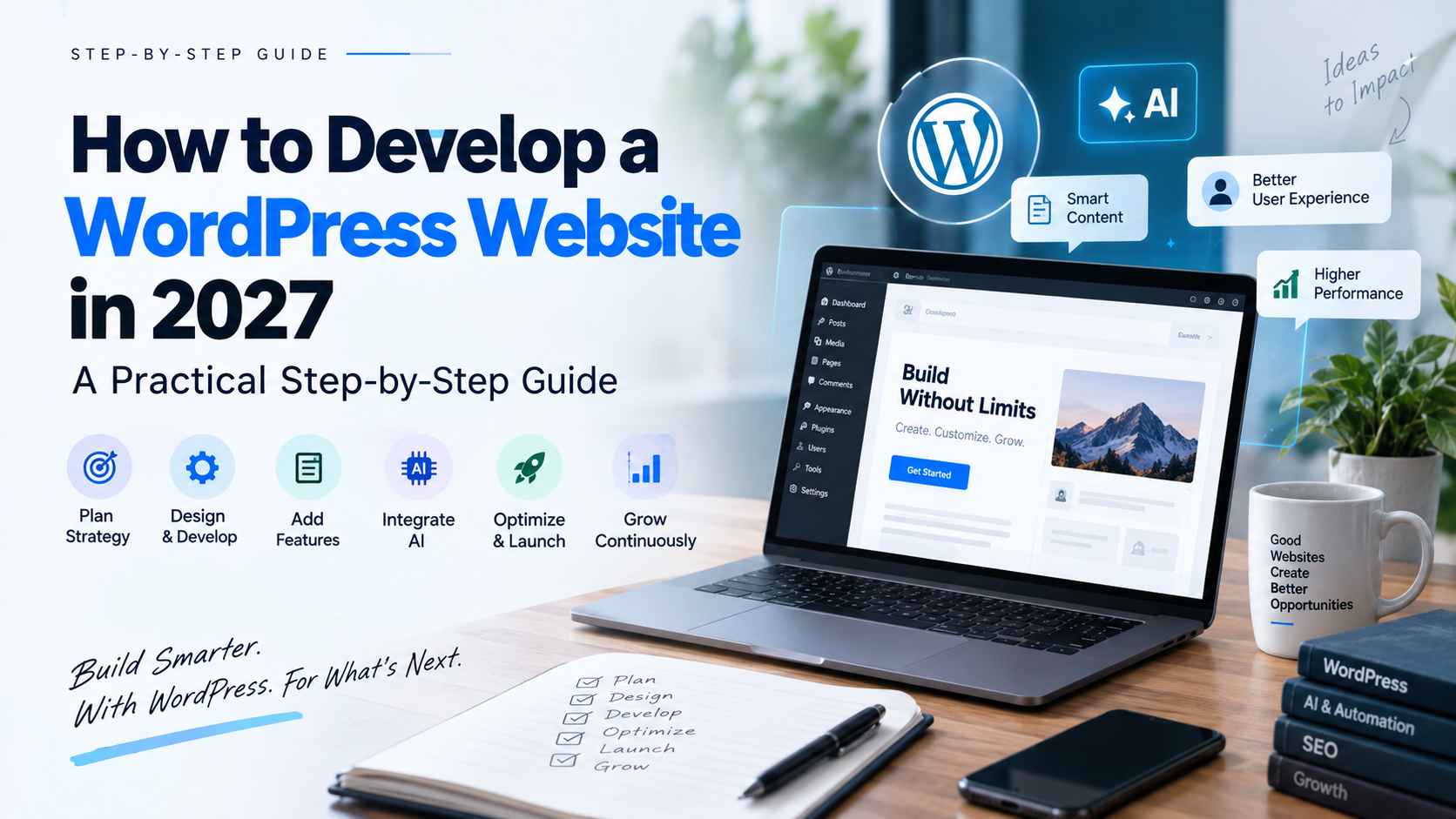
Creating a WordPress site in 2027 is more than just installing WordPress and picking a theme. A great website should be user-friendly, fast, secure, search-friendly, and scalable for future technological advancements, like AI.
When building the business website, service website, blog or online business store, the starting point is always to ask yourself one question: What does the user want this web-site to do for him? If assistance is required with planning and construction of the site, explore our WordPress development services.
What does the user need from this website?
This guide explains how to develop a WordPress website in 2027 without overcomplicating the process.
Quick answer: The successful WordPress site begins with sound objectives and user objectives, moves on to the proper web hosting and design, necessary features, search engine friendly positioning, performance, security, testing, and continuous enhancement. AI can then be integrated where it really makes a difference for the website or business process.
1. Start With What Your Website Needs to Achieve
Before choosing a theme or plugin, define the purpose of the website.
Ask:
- Who is the website for?
- What problem does it solve?
- What should visitors do next?
- Which services or products need the most attention?
- How will the website generate enquiries, sales, bookings, or leads?
For example, a service business may need a homepage, service pages, about page, case studies, blog, and contact page.
An ecommerce website will need product pages, categories, cart, checkout, payments, and customer support.
Starting with these requirements prevents a common mistake: building a website that looks good but doesn’t help users take action. For businesses with more complex requirements, working with experienced WordPress developers can also help define the right technical approach from the beginning.
2. Plan Pages Around Search Intent
Modern SEO starts before the content is written.
Instead of creating pages simply because a keyword has search volume, understand why someone is searching.
For example:
“How to develop a WordPress website”
→ The user wants a guide.
“WordPress development company”
→ The user may be looking for a service provider.
“WordPress website cost”
→ The user is probably researching a purchase.
Your website should answer these different needs with different pages and content.
A useful website usually covers:
- Informational questions
- Problems users want to solve
- Service or product comparisons
- Commercial searches
- Transactional searches
This also gives you opportunities for internal linking. A blog about WordPress development can naturally link to your WordPress development service, maintenance service, SEO content, and related guides.
3. Choose the Right Hosting, Theme and WordPress Setup
Once the website structure is clear, choose your technical foundation.
Your hosting should provide:
- Reliable performance
- SSL/HTTPS
- Regular backups
- Good server response time
- Security features
- Room to scale
Then choose the development approach.
Depending on the project, you might use:
- Gutenberg and WordPress blocks
- A lightweight WordPress theme
- Elementor
- Another page builder
- A customized theme
- Custom WordPress development
No one size fits all when it comes to the best choice for your website. If you need custom functionality, API integration or more advanced WordPress solutions, then Custom WordPress Development might be a better alternative.
If you have a simple website for your business, a lightweight theme and block editor may be suitable, but if your website is highly customized a custom development might be more appropriate.
What matters is the choice of the website and not only on the popularity.
4. Design for Users, Not Just Appearance
A website should look professional, but design is not only about colors, animations, and images.
Good UX answers three questions quickly:
What do you offer?
Why should I trust you?
What should I do next?
Keep navigation simple, use readable typography, make important information easy to find, and ensure the website works properly on mobile devices.
Your calls to action should also be clear.
Instead of making users search for how to contact you, guide them with actions such as:
Get a Quote → Book a Consultation → Contact Us → View Services
The best design is usually the one that makes the user’s next step obvious.
5. Add Only the Features You Actually Need
WordPress gives you thousands of plugins, but more plugins don’t automatically mean a better website.
Before installing a plugin, ask:
“Does this solve a real problem?”
Depending on your website, you may need functionality for:
- SEO
- Forms
- Analytics
- Security
- Caching
- Ecommerce
- Payments
- CRM integration
- Email marketing
- Backups
Don’t install several plugins with the same function.
Excessive plugin use can cause website compatibility and performance problems, and make websites difficult to maintain.
Sometimes you might need more complex requirements, which can be achieved by using a custom feature or API integration instead of installing another plugin.
6. Make Your WordPress Website AI-Ready
This is one of the biggest changes in modern WordPress development.
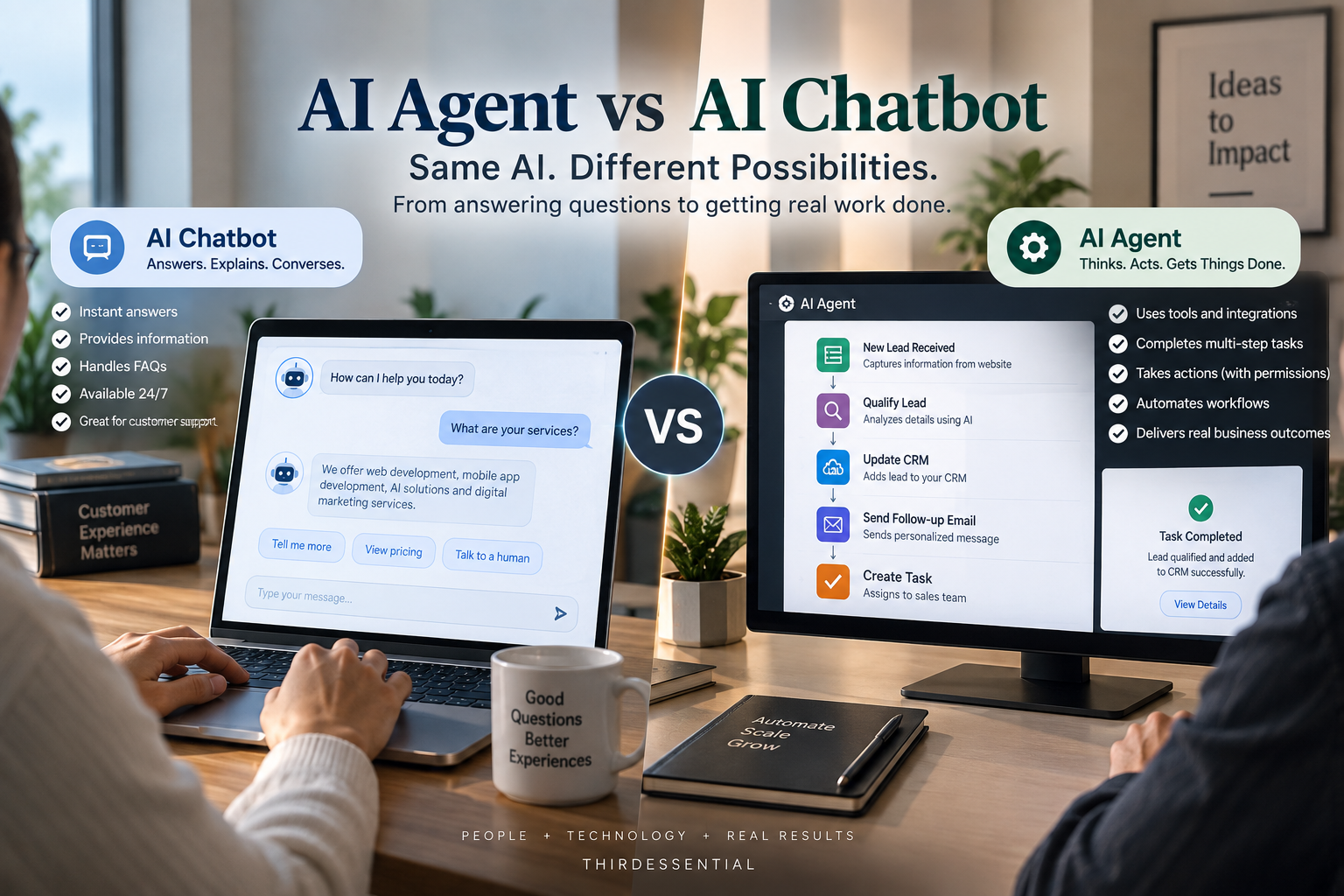
AI should not simply mean “add a chatbot to the website.”
Think about where AI can actually help your users or business.
For example, AI can support:
- Customer support
- Website search
- Lead qualification
- Content summaries
- Personalized recommendations
- Automated workflows
- Content translation
- Product recommendations
- Internal business processes
WordPress itself is moving toward a more AI-ready ecosystem. WordPress 7.0 introduced a provider-agnostic AI Client, while the Abilities API provides a standardized way for WordPress functionality to be discovered and executed by applications and AI agents.
WordPress’s Abilities API provides a standardized way for WordPress functionality to be registered and discovered, including by external systems and AI agents.
Recent WordPress AI development also includes practical capabilities such as content summarization and AI-assisted workflows.
So when developing a website in 2027, ask:
“Can AI solve a real problem here?”
If the answer is yes, integrate it. If not, don’t add AI just because it is trending.
7. Build Content for People and Modern Search
AI has made content creation faster, but useful content still needs human direction.
Instead of producing large amounts of generic AI-written content, focus on:
- Real customer questions
- Practical examples
- Original experience
- Clear explanations
- Useful comparisons
- Specific solutions
For example, instead of writing another generic article about WordPress, answer a decision-making question:
“Elementor vs Gutenberg: Which Is Better for Your Business Website?”
That gives the reader something useful to decide.
The same principle applies to AI-powered search experiences.
Make important information easy to understand by using:
- Clear headings
- Short paragraphs
- Direct answers
- Descriptive titles
- Relevant internal links
- Structured information where appropriate
The goal isn’t to write specifically for an AI system.
Write something genuinely useful for the person asking the question.
That approach also aligns with Google’s guidance around creating helpful, people-first content while following normal SEO best practices.
Search is also changing, particularly as AI-powered search experiences become more common. If you’re planning your broader SEO strategy, see our guide to SEO trends for 2027.
8. Optimize SEO, Speed and Security Together
SEO shouldn’t be added after development is finished.
During development, make sure your website has:
- Clean URLs
- Logical page structure
- Proper headings
- Descriptive page titles
- Internal links
- Optimized images
- XML sitemap
- Appropriate structured data
- Mobile-friendly layouts
Performance matters too.
Make large images, unneeded scripts, plugins, fonts, caching and server response times all optimized.
Security is also a key component to getting started. Utilize HTTPS, robust passwords, proper user permissions, regular updates, backups, and security monitoring. These jobs should be carried on after the launch in Ongoing WordPress Maintenance.
A high-ranking, fast & secure website is not a good experience.
9. Test Everything Before You Launch
Before publishing the website, test it as a real visitor would.
Check:
- Mobile responsiveness
- Navigation
- Forms
- Buttons
- Internal links
- Contact information
- Page speed
- Browser compatibility
- SEO settings
- Analytics
- Security
- 404 pages
Most importantly, test complete user journeys.
For example:
Homepage → Service → Contact → Form Submission
For ecommerce:
Product → Cart → Checkout → Payment → Confirmation
A website isn’t ready just because the design looks finished.
The important user journeys need to work.
Most importantly, test complete user journeys before launch. This can also help you avoid some of the common website development mistakes that can affect usability, performance, and conversions.
10. Keep Improving After Launch
Launching your WordPress website is not the end of development.
After launch, monitor:
- Organic traffic
- Search queries
- Leads and enquiries
- Conversion rates
- Page performance
- Broken links
- Security
- Content performance
Use the data to enhance the web site.
You might find that there are questions that a user is searching for that you are not answering, or that there isn’t a service page that is generating enquiries, or a page that is taking too long to load.
That’s useful information.
A well built website should grow along with its users and business.
WordPress Website Development in 2027: Final Checklist
Before launching, ask:
Strategy
☐ Does the website have a clear purpose?
User Experience
☐ Can visitors understand the website quickly?
Search
☐ Does each important page satisfy a specific search intent?
Content
☐ Does the content solve real user problems?
Performance
☐ Is the website fast and mobile-friendly?
Security
☐ Are backups, updates and access controls in place?
AI
☐ Is AI being used to solve a genuine user or business problem?
Conversion
☐ Are forms, CTAs and important user journeys working?
If the answer is yes, you’re not simply creating another WordPress website.
You’re building a website that is designed to help users, support your business, and adapt as technology changes.
Frequently Asked Questions
Is WordPress still a good choice for websites in 2027?
Yes. WordPress continues to evolve, including new capabilities around AI, APIs, content management and developer tools. The right choice still depends on your website’s requirements.
Can AI be integrated into a WordPress website?
Yes. AI can be used for features such as search, customer support, content workflows, recommendations, automation, and lead qualification. The best use case depends on the business and its users.
Is Elementor still useful for WordPress development?
Yes. Elementor can be useful for businesses that need flexible visual editing. However, Gutenberg, custom development, and other approaches may be more suitable depending on performance and functionality requirements.
How long does it take to develop a WordPress website?
It depends on the number of pages, design complexity, integrations, content, ecommerce requirements, and custom functionality. A simple business website can be developed much faster than a complex custom platform.
How much does WordPress website development cost?
There is no single price. Hosting, design, number of pages, functionality, integrations, ecommerce requirements, and custom development can all affect the overall cost.
Conclusion
Developing a WordPress website in 2027 is about combining user experience, useful content, SEO, performance, security, and the right technology.
You don’t need every plugin, every animation, or every new AI feature.
You need the right solution for your users.
Build for people first. Use technology where it creates real value. And keep improving the website after launch.
If you need help planning or developing a WordPress website, ThirdEssential provides WordPress development services along with WordPress maintenance and other digital solutions.